Data Management
How the LangQuest website dashboard manages projects, imports, exports, public data, and privacy choices
Data Management
The LangQuest website gives project leaders a larger-screen place to manage project data. It complements the mobile app: the app is best for field recording and review, while the website is useful for project setup, imports, exports, and data oversight.
Portal and Dashboard
Go to langquest.org, open User Area, and sign in with your LangQuest account.
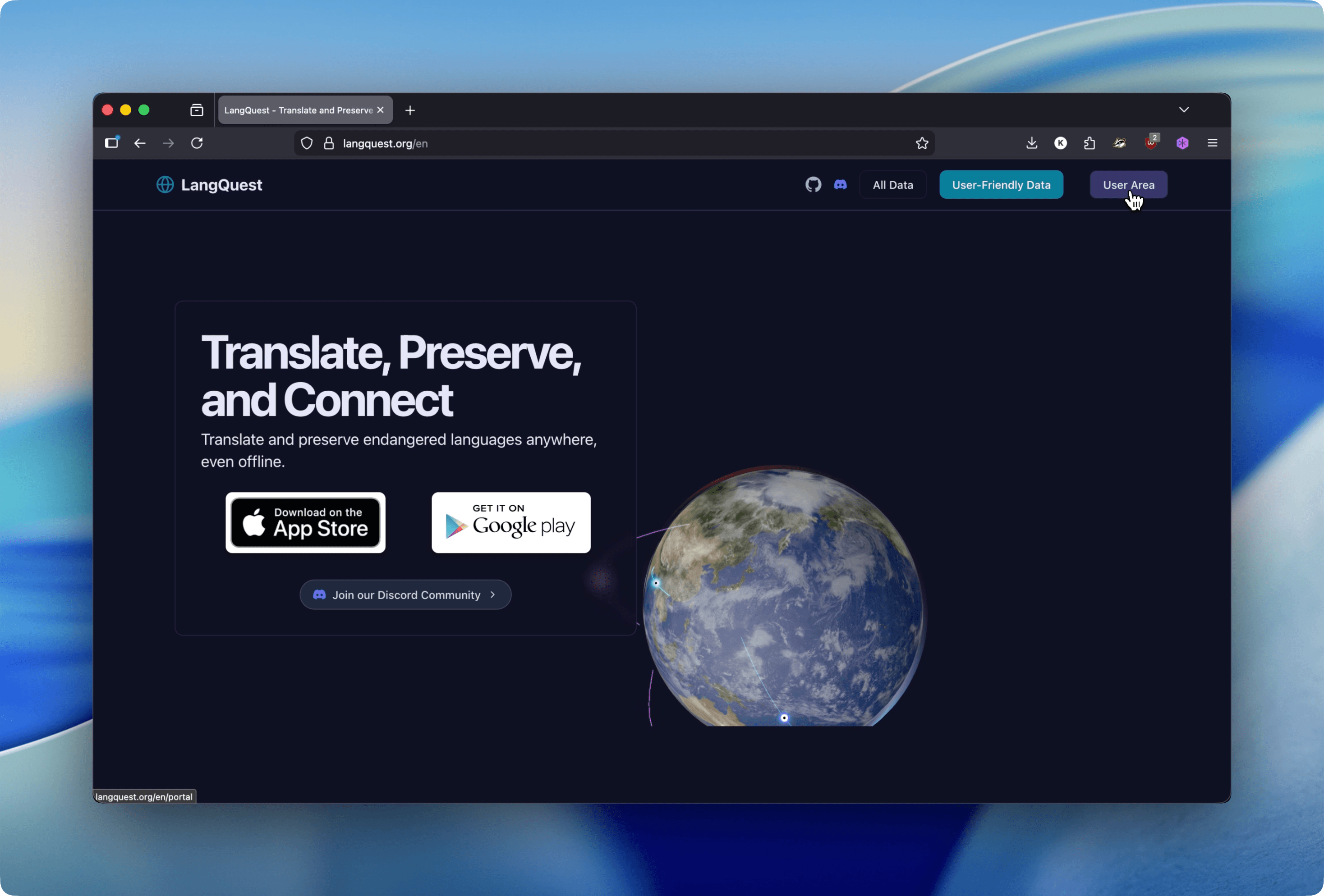
The website has two related areas:
- Portal - Manage projects, quests, assets, members, uploads, cloning, and exports.
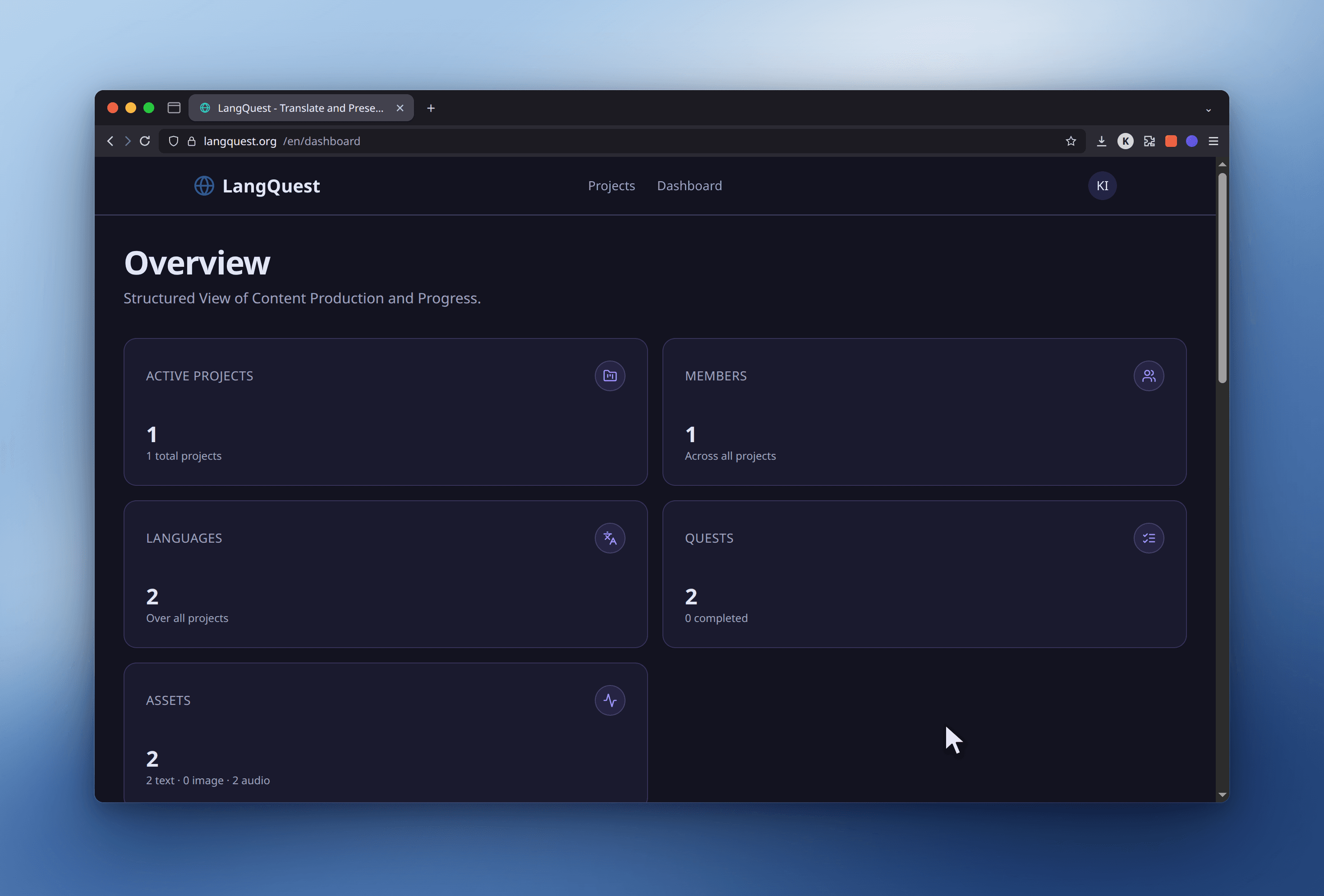
- Dashboard - Review analytics and activity across projects, including project, member, language, quest, asset, chart, and recent-activity information.
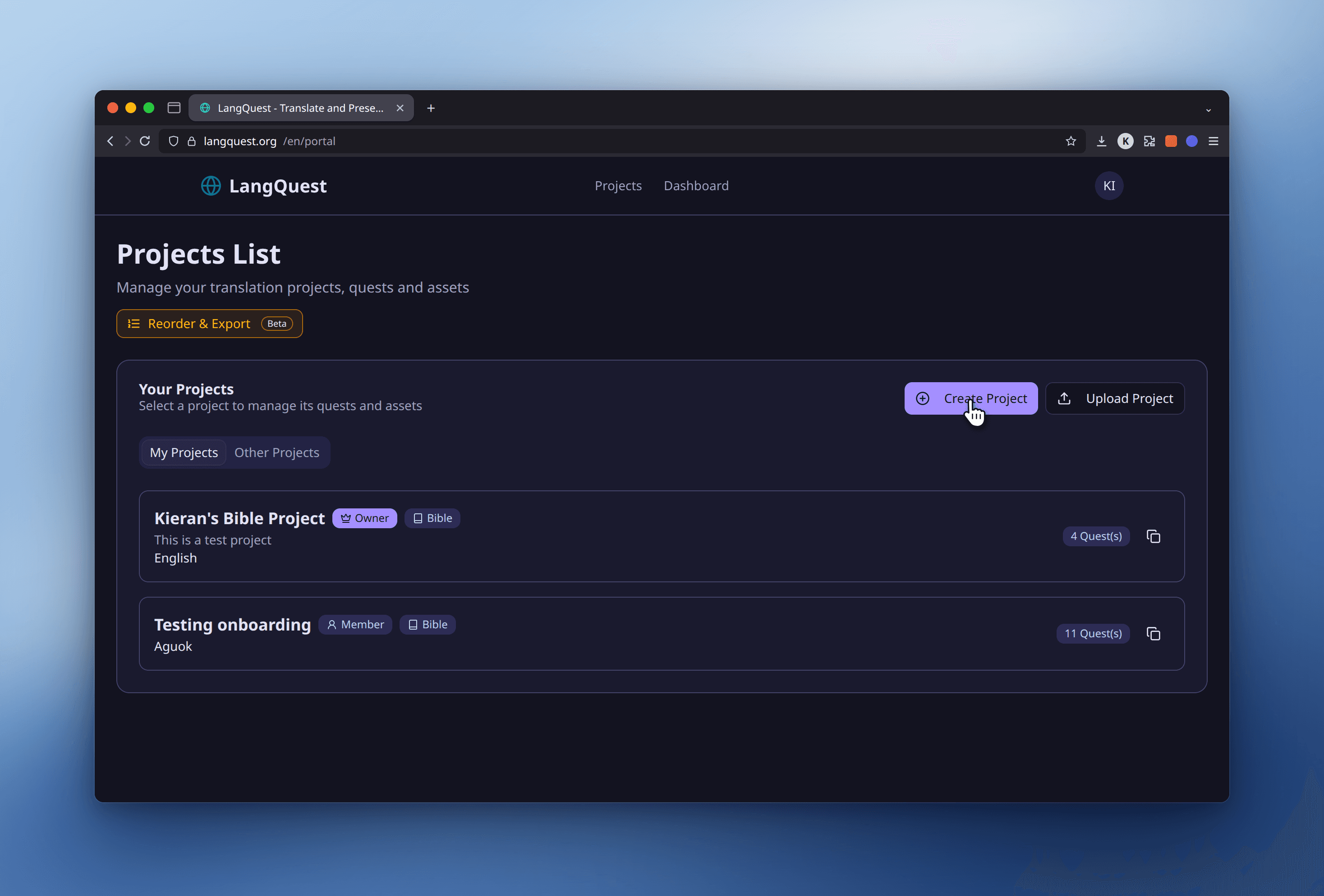
The Portal can show:
- Your Projects - Projects where you are an owner, admin, or member.
- Other Projects - Projects you can view but do not manage.
- Project template badges, such as Bible.
- Membership badges, such as owner or member.
- Quest counts.
- Actions such as creating, cloning, uploading, opening, or exporting projects.
Some Portal actions require project ownership or another elevated project role. Dashboard analytics are intended for oversight and planning, not field recording.
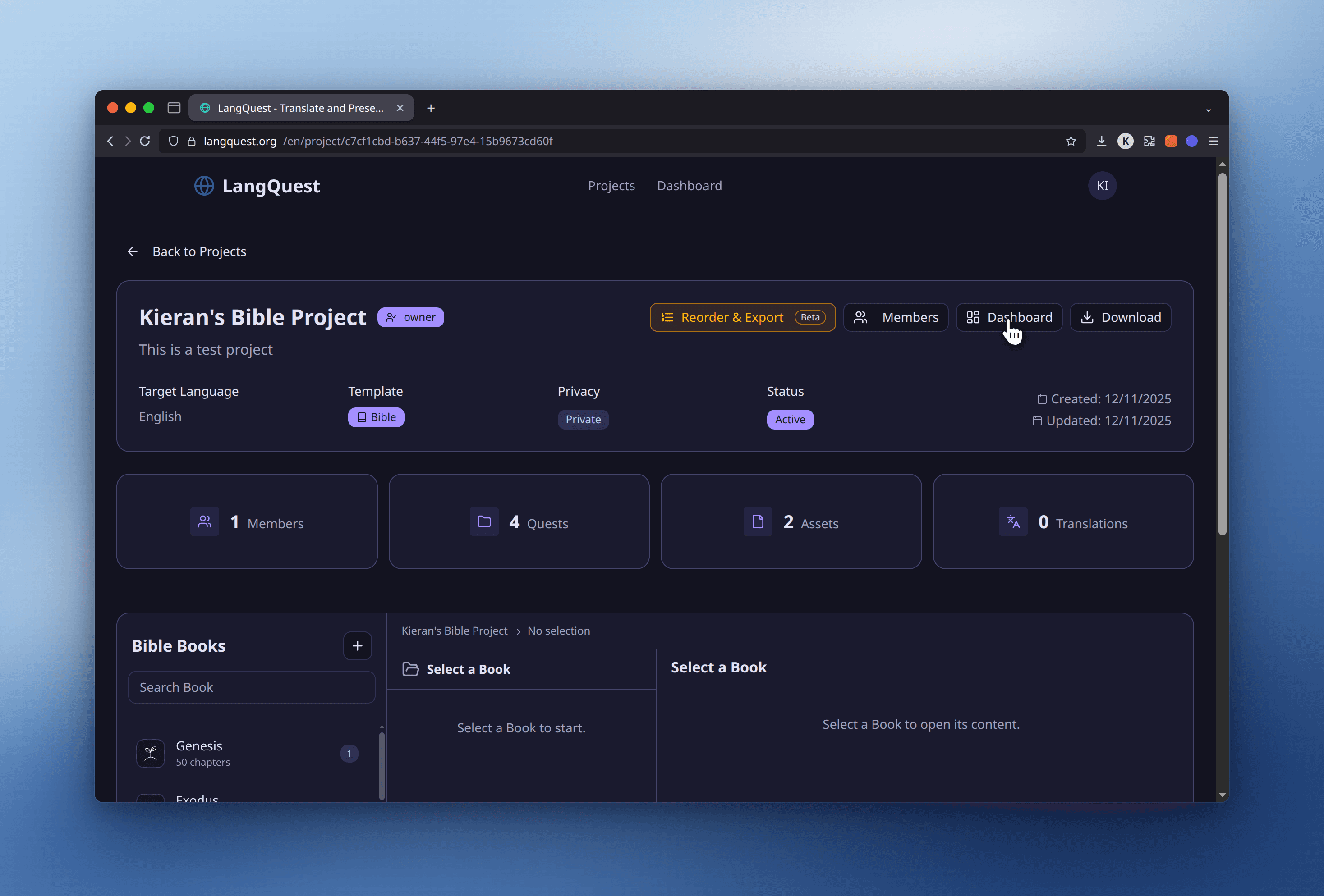
Opening a project shows its stats, Bible book structure, and the Members, Dashboard, and Download actions:
The Dashboard shows metrics and activity charts across your projects:
Project Uploads and Imports
The website supports importing prepared data packages. Depending on where you start the upload, you can:
- Create a new project from a ZIP and CSV package.
- Add quests to an existing project.
- Add assets to an existing quest.
The upload flow validates the CSV and ZIP structure before processing. It also lets you review how uploaded content maps to a project template and move unmatched items into the correct location before import.
Project imports create a new project. Quest imports can create new quest versions when matching Bible or FIA structure. Asset imports add assets to the selected quest.
See Upload a Project for the full ZIP and CSV requirements.
Project and Quest Exports
The website includes export tools for selecting quests and assets from a project.
Export options may include:
- Selecting specific quests.
- Selecting specific assets.
- Including a CSV file with exported item data.
- Combining audio files into one file per quest version, such as a Bible chapter, FIA pericope, or similar unit.
The export tool shows progress while it prepares the download and may show warnings if some files cannot be included.
See Exporting Content for export preparation and troubleshooting.
Data Viewer

The website includes a data view for browsing project assets. It can filter data by project, quest, and tags, and it shows asset content, translations, and related project structure. The Data Viewer is public — you can browse it at langquest.org/en/data-view without signing in.
Open Filter to narrow the asset list to one or more projects or tags:
Expanding an asset shows its quests, source content, and any translations:
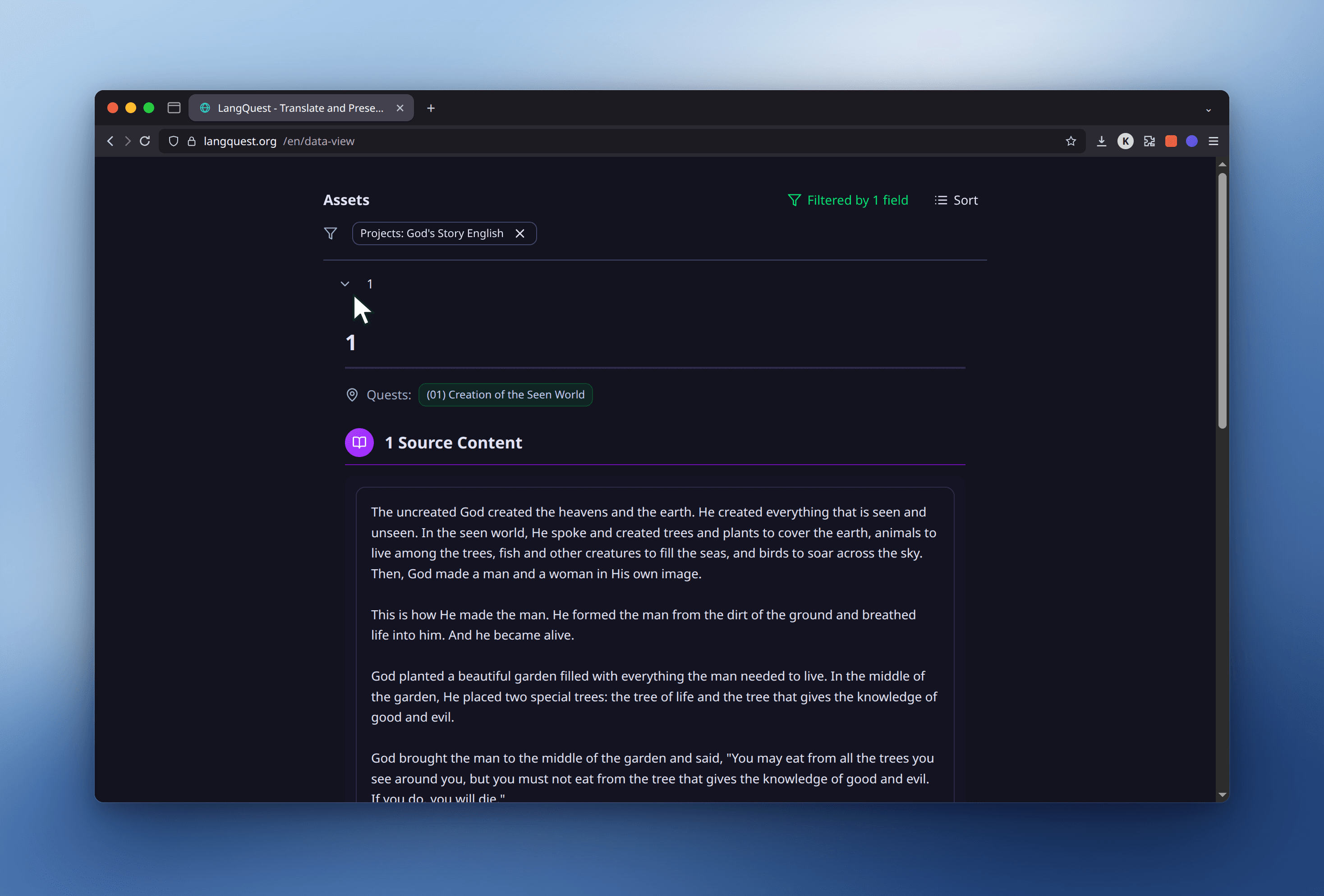
Use the data view when you need to inspect project data across many assets more quickly than you can on a phone.
Public Language Data Mission
LangQuest exists to preserve and make language data usable. The current website privacy policy says contributed LangQuest content — including translations, recordings, comments, and votes — is made freely available worldwide under the CC0 1.0 Universal Public Domain Dedication.
That means contributed language data may be used by others for purposes such as language preservation, research, education, and AI model development.
Before contributing sensitive language content, make sure your team understands this open-data model and has community agreement about what should be shared.
Information Collected
The website privacy policy describes several categories of information:
- Account information such as username and email address.
- User content such as translations, audio recordings, comments, and votes.
- Newsletter information if you subscribe.
- Communications if you contact the LangQuest team.
- Usage and device information used to improve the app.
- Analytics data through PostHog when analytics is enabled.
Analytics may include device metadata, general location based on IP address, app version, screens viewed, buttons clicked, crash or loading events, and limited session replay on supported devices. Text typed into forms is masked for session replay.
Analytics Opt-Out
You can opt out of analytics from the app profile settings. Opting out stops linking usage events to your account and prevents further analytics and session replay collection while you continue using the app.
See Settings & Profile for account and preference guidance.
Storage and International Processing
Frontier R&D is based in Canada, while the privacy policy says app data is currently processed and stored in the United States. Users outside Canada and the United States should understand that their information may be transferred to and processed in the United States.
Account and Data Requests
For privacy or data practice questions, the website privacy policy lists:
- Email:
admin@frontierrnd.com - GitHub issues: LangQuest GitHub Issues
If you need account deletion or help with personal information, contact the team before deleting app data from your device. Account deletion requests are processed within 30 days, and deleted data may remain in backups for up to 90 additional days. Contributed CC0 content remains publicly available and cannot be withdrawn. Deleting local app data may remove work that has not synced.
Related Guides
- Upload a Project - Import project, quest, and asset packages.
- Exporting Content - Export quests, assets, CSV data, and combined audio.
- Project Membership - Understand owner, admin, and member permissions.
- Settings & Profile - Manage profile, analytics, and account deletion.